Free to download. 3-day free trial on the monthly plan.
Powerful Features
Everything you need to make your meetings more productive and actionable
MeetingsAI
All-in-One AI Assistant
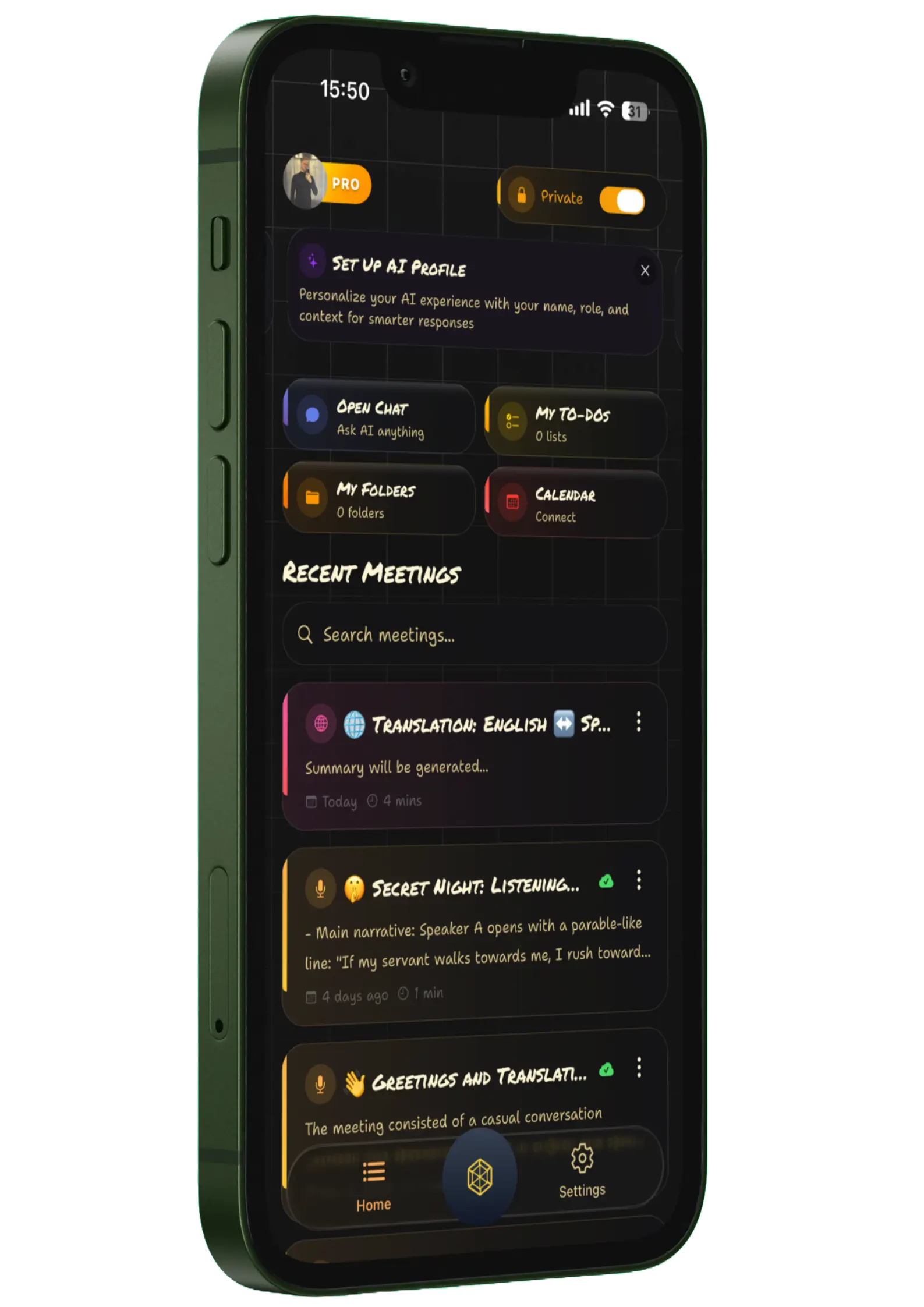
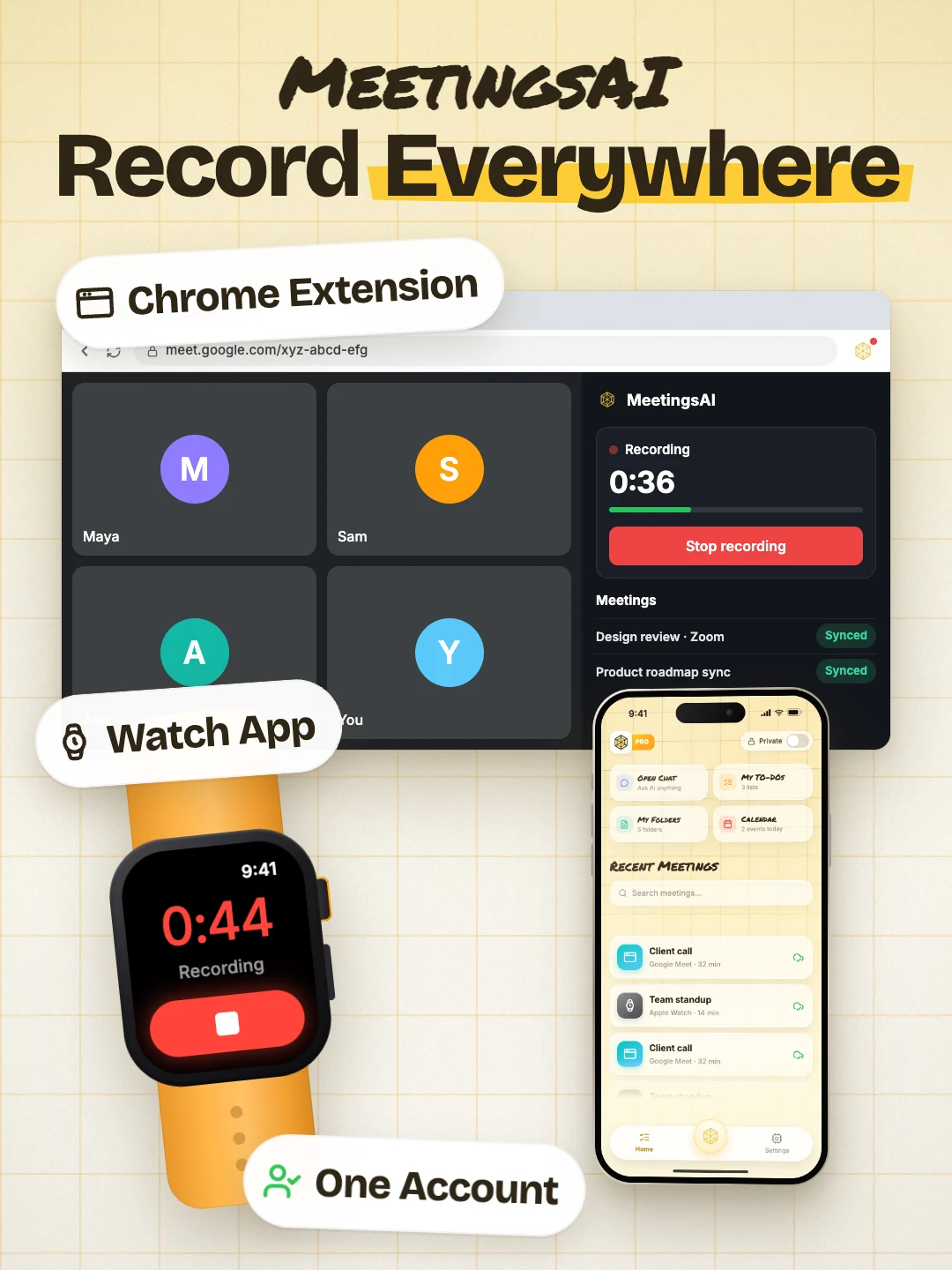
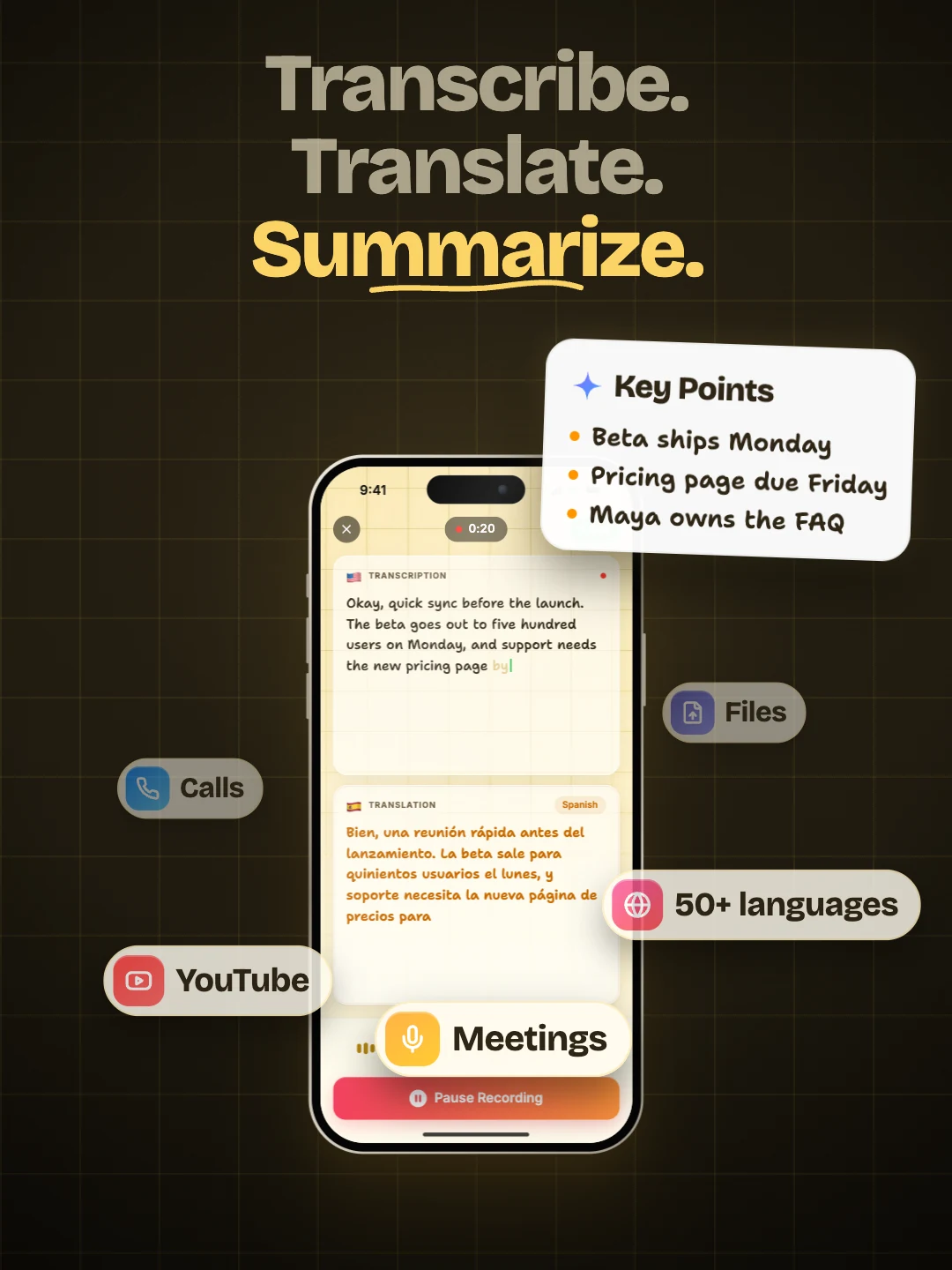
Record on your phone, your watch, or straight from Google Meet, Zoom, and Teams in Chrome. One account, every meeting transcribed, summarized, and organized in the app.
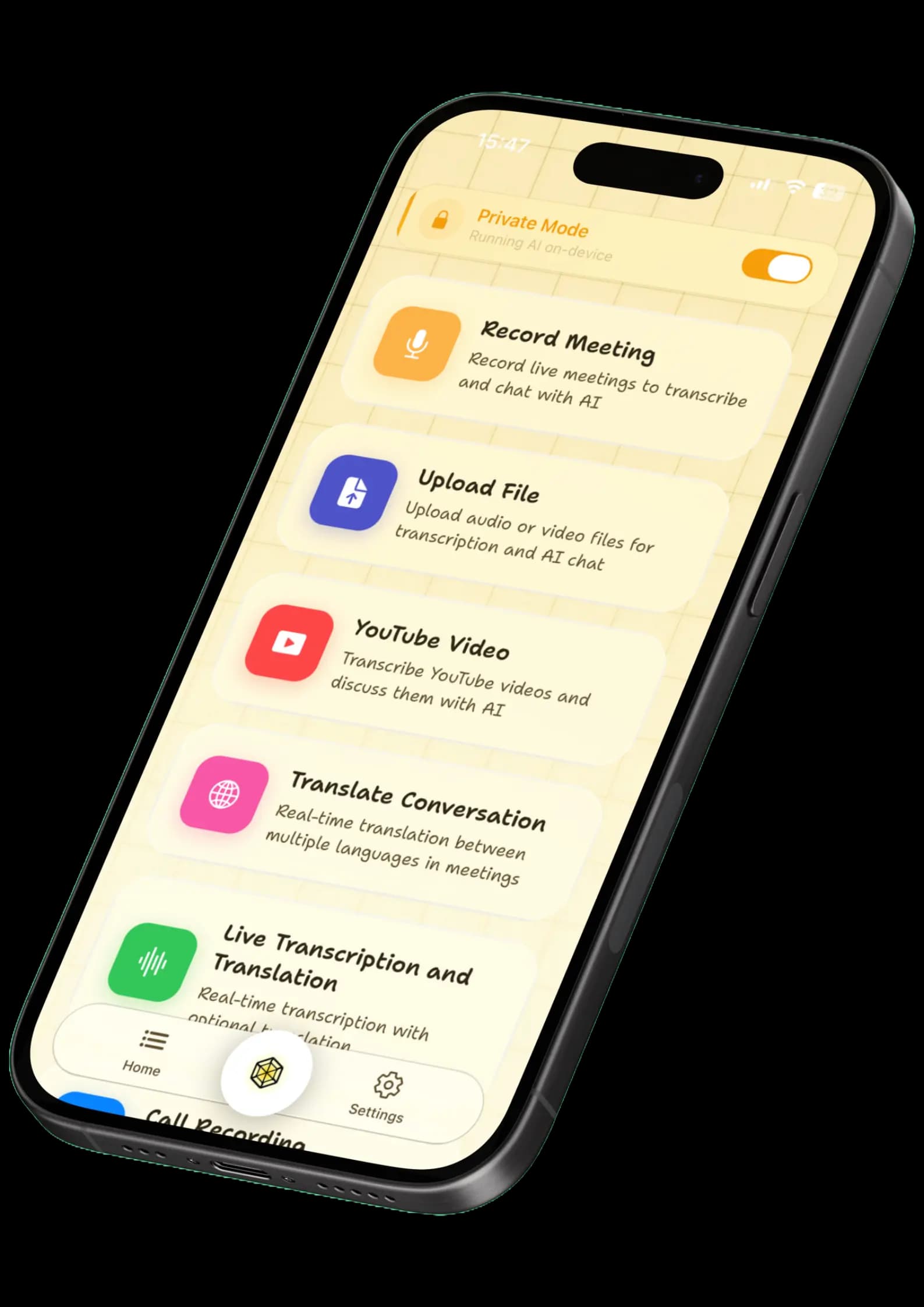
Access advanced features like meeting recordings, YouTube video summaries, live translations, and shared audio summaries for voice messages and call recordings.
From complete privacy to maximum power, the choice is yours
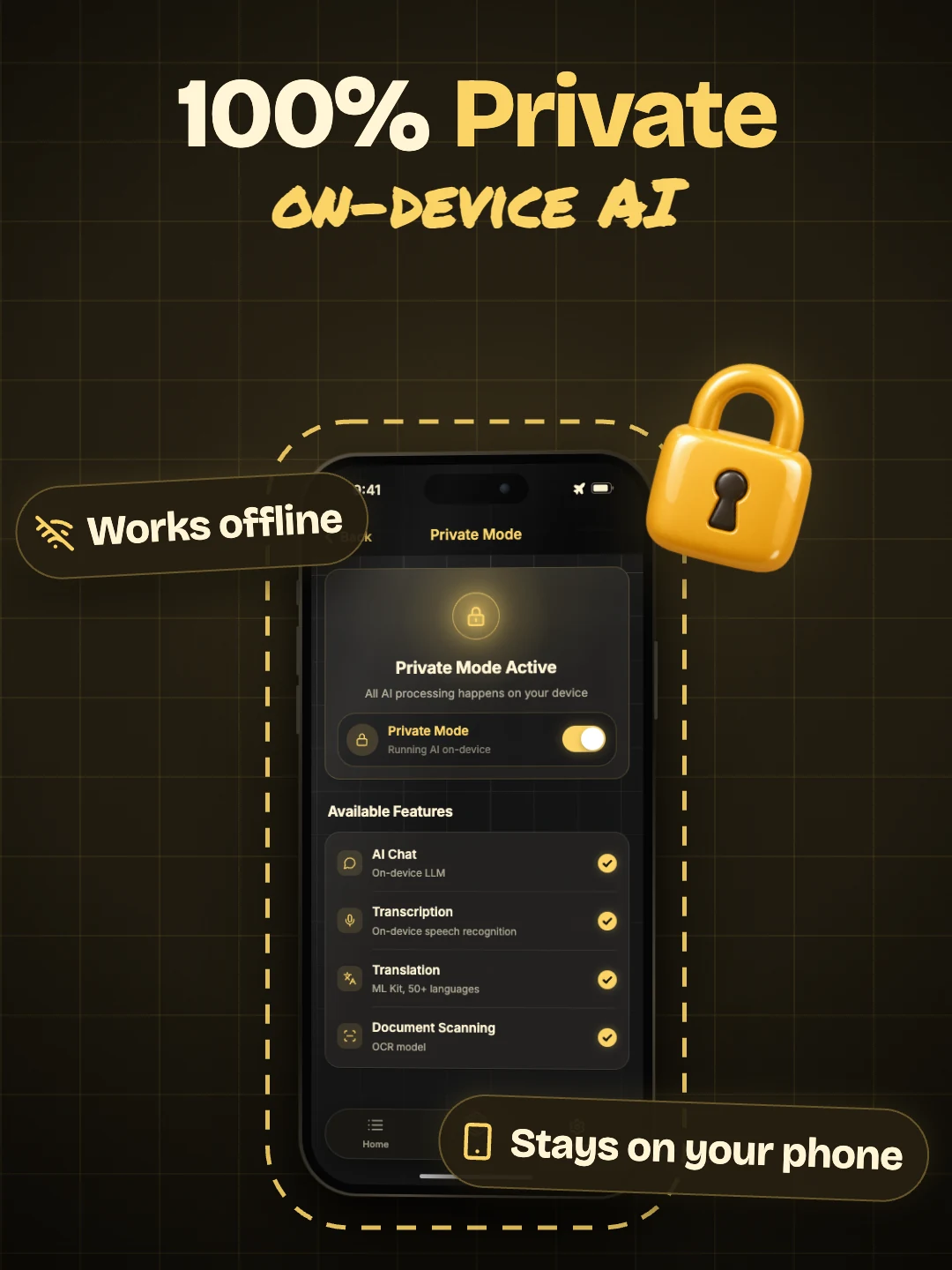
Two ways to transcribe and translate your meetings. You decide where your data lives. Private Mode runs entirely on your device: offline AI transcription and translation for confidential conversations, healthcare and legal settings, or flights with no internet. Cloud AI delivers maximum accuracy with speaker detection, real-time translation in 50+ languages, and rich AI meeting summaries.
Private Mode
Your personal AI assistant that lives entirely on your device. No servers. No uploads. No compromises.
Perfect for sensitive meetings, confidential discussions, or anywhere without internet. Your own AI, always ready.
Powered by on-device AI
Live transcription in real-time
Live translations, fully offline
Works on airplanes, in secure facilities, anywhere
MeetingsAI achieves 95%+ transcription accuracy across all supported languages, powered by state-of-the-art AI models. Accuracy is highest with clear audio, and you can edit any word in the transcript afterwards. We never use your meetings to train or improve AI models.
What languages does MeetingsAI support?
MeetingsAI supports 50+ languages for transcription including English, Spanish, French, German, Chinese, Japanese, Korean, Portuguese, Italian, Dutch, and many more. We're constantly adding new languages based on user demand.
Is my meeting data secure and private?
Absolutely. MeetingsAI is built with a privacy-first approach. Private Mode processes everything on your device, so audio and transcripts never leave your phone. In Standard Mode, your data is encrypted in transit and at rest, our AI providers process it solely to deliver the feature you requested, and we never sell your data or use it to train AI models.
How much time can I save with MeetingsAI?
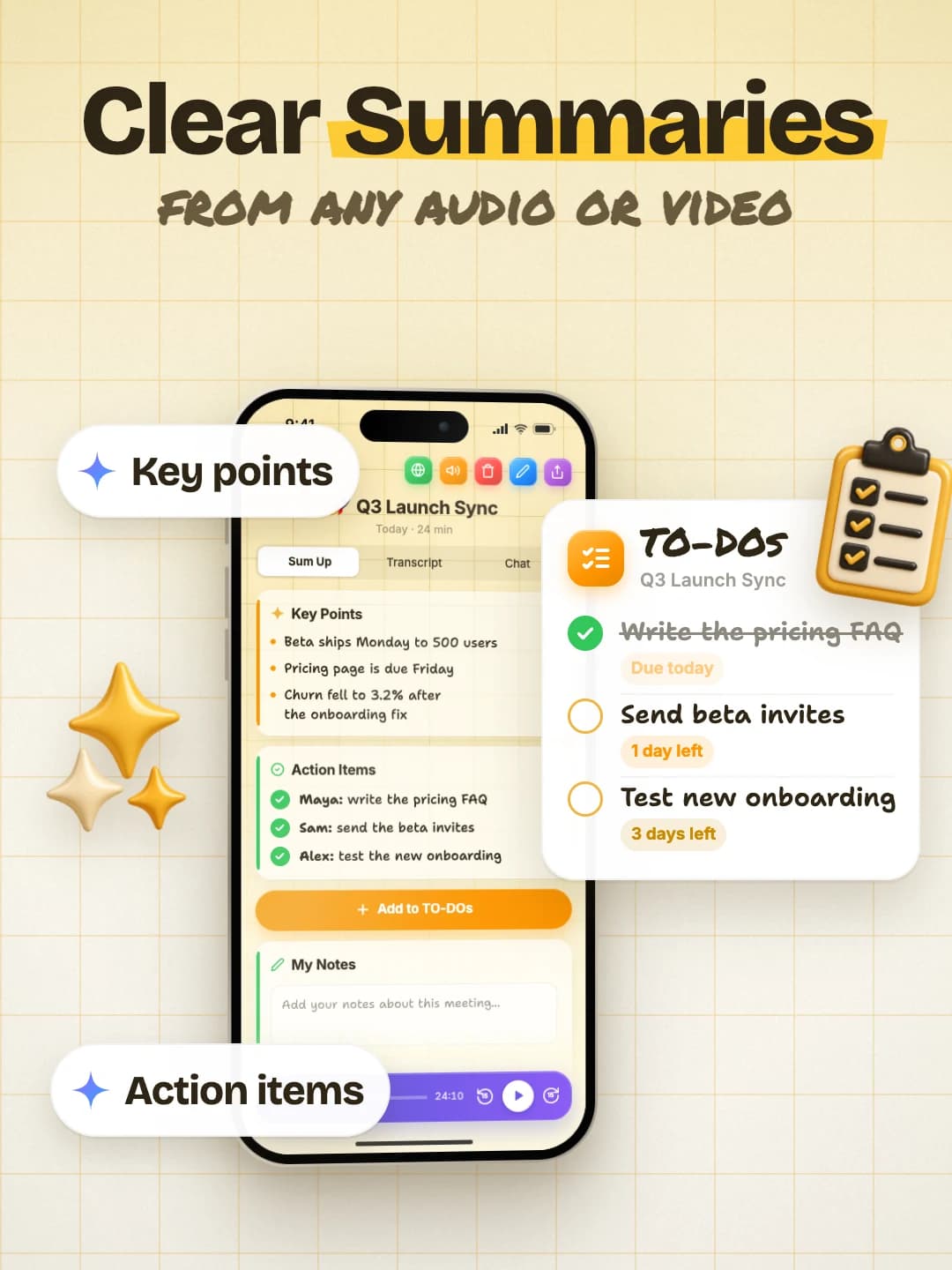
On average, MeetingsAI users report saving 4+ hours per week on meeting-related tasks. Our AI automatically generates summaries, extracts action items, and identifies key decisions - eliminating manual note-taking and post-meeting documentation work.
Can I try MeetingsAI for free?
Yes. MeetingsAI is free to download, and the monthly plan starts with a 3-day free trial, so you can try every feature before you pay. The weekly and annual plans have no trial. Pricing, trials, and purchases are handled securely inside the mobile app.
Does MeetingsAI work with Zoom, Google Meet, and Microsoft Teams?
MeetingsAI works with any meeting platform. Simply record your meeting using our app, or import audio/video files from Zoom, Google Meet, Microsoft Teams, Webex, or any other conferencing tool. We also support YouTube and X (Twitter) video transcription for webinars and recorded content.
What export formats does MeetingsAI support?
You can copy or share any transcript and summary as text, export a polished PDF, or turn a meeting into a shareable webpage in one tap. Scanned PDFs can also be converted into editable Word and Excel files. Sharing uses your device's share sheet, so email, Slack, Notion, and other tools work out of the box.
How does speaker identification work?
Our AI automatically detects and labels different speakers in your meetings, making it easy to follow who said what. Speaker identification runs per recording and works across all supported languages. We do not build voice profiles of you or your meeting participants.
Latest insights
From Our Blog
Tips, insights, and updates to help you get the most from MeetingsAI
MeetingsAI now runs on Apple Watch and Wear OS. Tap once to record a meeting on your wrist, get an AI transcript and summary, and sync it to your phone when you choose.
Cheat Mode listens to your live meeting, detects every question as it is asked, and puts an instant, cited AI answer on screen, pulled from your own files and the web.
MeetingsAI translates a two-language conversation live, then keeps it as a transcript, an AI summary, and a chat you can ask. See how it compares to Google Translate, Apple, DeepL, and more.